
AI tools can review a document quickly and still get it wrong. In two recent projects, an AI tool skipped sections of a 100-page PDF and a video transcript, then filled the gaps with invented information that looked real at first glance. Here’s what that revealed about the limits of AI for legal document review, and when a person needs to check the work instead.
- What Happened When We Ran a 100-Page PDF Through AI
- How the Accuracy Problems Surfaced During a Spot Check
- Why the AI Was Hallucinating Names
- Human Review vs AI Review: When Accuracy Matters More Than Speed
- A Second Example: AI and 30 Hours of Video Footage
- Why the AI Kept Pausing to Ask Instead of Finishing the Task
- Limits of AI for Legal Document Review: FAQ
- Can you trust AI for document review?
- Why does AI sometimes invent information when reviewing a PDF?
- Does splitting a large document into smaller batches fix AI accuracy problems?
- Why does AI stop to ask so many questions instead of finishing a task?
- Is AI still worth using for document or footage review if a person has to check it anyway?
- When should a law firm use a person instead of AI for reviewing records?
- Related Reading
What Happened When We Ran a 100-Page PDF Through AI
A trucking school’s testing records came in as a 100-page PDF, with roughly five tests and five names listed on each page. The task was simple to describe: find every unique person in the data set, flag anyone who tested more than once, and lay out the dates in chronological order.

Record-heavy fact-finding like this comes up constantly in business litigation and other discovery-heavy case work, whether the underlying dispute is headed toward mediation, arbitration, or litigation. The PDF was fed into an AI tool, and the output that came back looked, at first glance, like real and usable data.
How the Accuracy Problems Surfaced During a Spot Check
A spot check against the original pages caught the problem. Checking the AI’s answers against the source document turned up an issue: the tool had invented names.
The invented names weren’t random. They were styled like the immigrant-sounding names that filled the real data set, close enough to blend in on a quick read. None of them appeared anywhere in the source document.
Why the AI Was Hallucinating Names
The cause turned out to be simpler than expected: the AI wasn’t actually reviewing all 100 pages. It would review roughly the first 20 pages, skip about 30, review 5 more, then skip another 30, and so on through the document.

One theory floating around, though not confirmed here, is that AI tools limit how much processing they do per request because running them at full scale is expensive for the companies that build them. If that’s true, it would help explain why the tool quietly cut corners instead of flagging that it couldn’t finish the job.
Human Review vs AI Review: When Accuracy Matters More Than Speed
Breaking the PDF into smaller batches of 25 pages seemed like an obvious fix. It wasn’t. Even at that smaller size, the AI still invented names that weren’t in the source, and it also dropped names that genuinely appeared on the page, such as one that should have shown up on page seven but didn’t make it into the output.

For legal work, where accuracy carries real weight, that combination of fabricated and missing information wasn’t acceptable. Once the smaller batches produced the same kind of mistakes, the decision was to hand the task to a person instead. It cost more, but the result was accurate.
A Second Example: AI and 30 Hours of Video Footage
A separate project ran into a related problem. A client wasn’t happy with roughly 30 hours of footage shot by an outside video provider, and the question was whether any of it could be salvaged.
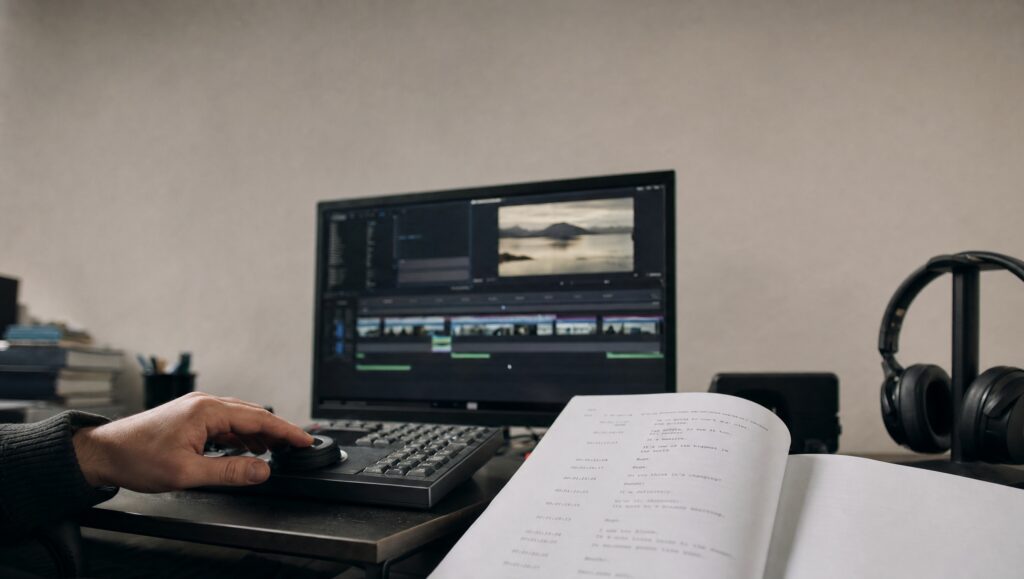
Watching all 30 hours manually just to report that the footage wasn’t usable would have been expensive, so the team was upfront with the client that AI would be used to help. A transcript was generated from the footage, then fed into ChatGPT with a detailed, prompt-engineered request to pull the best quotes into a glossary based on the client’s stated goals.
Why the AI Kept Pausing to Ask Instead of Finishing the Task
Getting ChatGPT to actually complete that task took about four hours. It kept stopping to lay out what it planned to do, ask if that was correct, then ask another round of clarifying questions before doing any of the work.
Here too, the guess was that this was a form of the AI conserving resources given how much data the task involved. Whatever the reason, a task that should have saved time instead required constant supervision to push forward. Both examples point to the same lesson for AI for lawyers weighing these tools for casework: fast output is not the same as accurate output, and a person still needs to check what comes back before anyone relies on it.
Limits of AI for Legal Document Review: FAQ
Can you trust AI for document review?
Not without a check. In both examples here, an AI tool produced output that looked plausible but had also skipped content and invented information that wasn’t in the source.
Why does AI sometimes invent information when reviewing a PDF?
In this case, it happened because the AI wasn’t actually reviewing every page. It skipped large sections of the 100-page PDF and filled the gaps with names that matched the style of the real data but weren’t actually there.
Does splitting a large document into smaller batches fix AI accuracy problems?
Not necessarily. Breaking the same PDF into 25-page batches still produced invented names, and it also caused the AI to drop names that were genuinely on the page.
Why does AI stop to ask so many questions instead of finishing a task?
One guess is that it’s a way of conserving resources on data-heavy requests. In one project, an AI tool paused repeatedly to confirm its plan and ask clarifying questions, which turned a task that should have been quick into a four-hour process.
Is AI still worth using for document or footage review if a person has to check it anyway?
It can be, depending on the task. AI was used in a footage review project specifically because manually watching 30 hours of video just to flag it as unusable would have cost more than running it through AI first.
When should a law firm use a person instead of AI for reviewing records?
When the AI keeps producing errors even after adjustments like smaller batches, and accuracy matters more than speed, as it did with the 100-page PDF in this case.
Reviewing large volumes of documents, testing records, or footage accurately takes the right process, whether that process involves AI, a person, or both. If your matter involves fact-heavy records that need a careful review, you can contact Kaminsky Law to talk through what you’re working with.

Related Reading
- What Is the Difference Between Small Claims Court, Arbitration, and Court of Common Pleas?
- What Is the Difference Between a Legal Remedy and an Equitable Remedy?
- Conversion Versus Debt Collection
- How Do I Respond to a Writ of Summons in Pennsylvania?
This article is general information based on a recorded discussion. It is not legal advice and does not create an attorney client relationship. Every case is different. Prior results do not guarantee a similar outcome. For advice about your situation, contact Kaminsky Law directly.